 ReelPause
iPhone camera app
Film with the back camera. Pause with the volume buttons.
There’s no reaching round to tap the screen, and it all saves as one video.
Coming very soon

For iPhone, iOS 18 or later. You pay once and there’s no subscription.

Why I made it
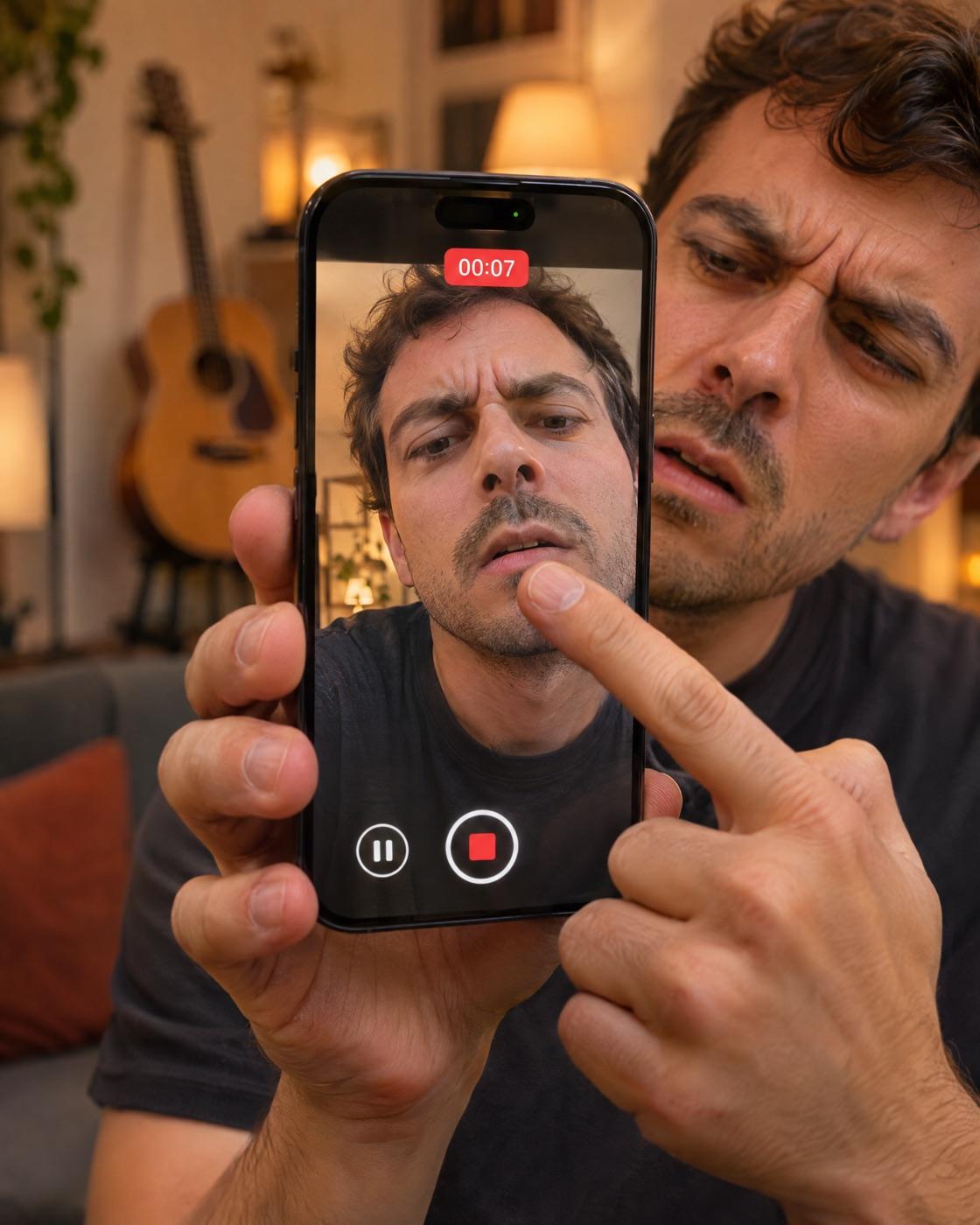
Apple had an amazing idea, allowing you to pause videos and create reels within the camera app. But we all know the number one rule of filming on your phone is that you must never use the front-facing camera.
If you wanted to use the rear camera and the pause button at the same time, you’d have to be double jointed and really good at seeing through a phone.
So I made ReelPause. Start and pause recording using your volume buttons, delete any takes you’re not happy with, and open it up in your favourite social media app directly from within ReelPause.
How it works
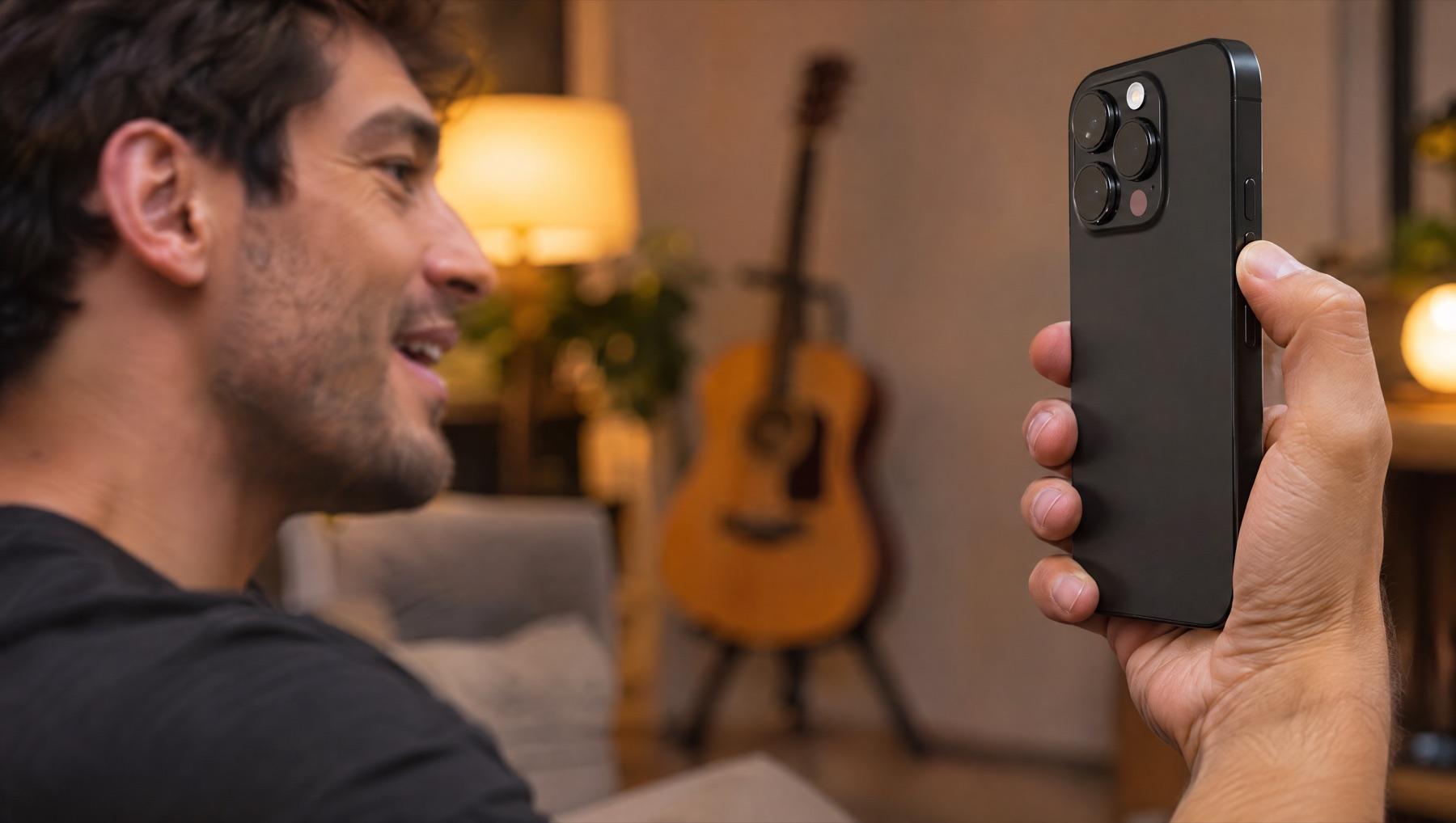
Two buttons you can find by feel
ReelPause puts record and pause on the volume buttons, which you can find by feel without turning the phone round. You can’t see the screen from in front of the phone, so it tells you what it’s doing.
- 01
Volume up
Starts recording. Press it again to pause, and again to carry on.
- 02
Volume down
Finishes and saves everything to Photos as one video, with the pauses already cut out.
- 03
Beeps and flashes
One beep and a flash of the light on the back means you're recording. Two means you're paused, and three means it's saved.
Features
Everything it does
Every take along the top
Every take shows as a small picture along the top while you film. If one didn't go right, tap the bin on it and it's left out of the finished video.
Change lens between takes
Pause, turn the phone to face you, pick a different lens, then turn it back and carry on.
Turn the phone upside down
Turn the phone upside down between takes to get the cameras low to the ground, and that take still comes out the right way up, so there's no flipping it round afterwards.
Cinematic mode
The blurred background, on iPhones that can do it with iOS 26 or later. It stays on until you turn it off.
Tap to focus
Tap the picture to focus where you want. Otherwise it follows your face.
Video light
A light for filming in a dark room, set to off, automatic or on.
Exposure that's remembered
Make the picture brighter or darker and it stays that way, because I was turning it down every single time I opened the camera.
Match every take to the first
Keeps the brightness and colour from your first take for the rest of that reel, so the cuts don't jump.
4K or HD, at 24, 30 or 60
It shoots in 4K or HD at 24, 30 or 60 frames a second. Tap 4K on the camera screen to switch, and pick the frame rate in Settings.
Grid lines
Turn on grid lines to help you line the shot up before you walk round the front.
Upright or on its side
It works out whether you're filming upright or on its side from how the phone is sitting.
Swap the two buttons
If the buttons feel the wrong way round, swap them in Settings.
Signals that stay out of the video
The beeps and flashes happen just before recording starts and just after it stops, so they never end up in your video. You can switch either of them off.
If saving fails, it isn't lost
If saving to Photos fails, the video is kept in the Files app, under On My iPhone › ReelPause.
No account, nothing collected
There's no account to set up, and nothing leaves your phone unless you send it.
After saving
Open it in the app you post from
When you finish, there are buttons to jump straight to Photos, Instagram, Edits, CapCut, VN, TikTok and a few others. Instagram opens with your reel ready to post, and everywhere else it’s the newest video in your library.
- Photos
- Edits
- CapCut
- VN
- TikTok
- YouTube
- Threads
- Snapchat
- Share another way
You only see buttons for the apps you have on your phone. There are no filters or editing tools in ReelPause, and it doesn’t ask for an account or collect anything from you.
Questions
Questions people ask
Can you pause a video recording on iPhone?
Can the volume buttons pause a video on iPhone?
How do I film myself with the back camera when I can't see the screen?
Should I film with the front or the back camera?
How do I record an Instagram reel hands-free?
What does ReelPause do?
How do I know it's recording if I can't see the screen?
Can I get rid of a take that went wrong?
Does ReelPause post to Instagram or TikTok for me?
Does it edit the video?
Do I need an account, and does it collect anything?
Which iPhones does it work on?
Is there a subscription?
Guides
Guides to filming yourself
How to pause a video recording on iPhone
Where the pause button is, what the volume buttons will and won't do, and how to pause when you can't reach the screen.
Read it →How to film yourself with the back camera on your iPhone
Lining the shot up, starting and pausing it, and knowing it's recording when the screen is facing the wall.
Read it →How to record Instagram Reels hands-free
What Instagram's own camera does, where it gets awkward, and how to film in takes without walking round to the phone.
Read it →

ReelPause
Film yourself with the back camera and pause between takes using the volume buttons.
Coming very soon
For iPhone, iOS 18 or later. You pay once and there’s no subscription.
Support
If something’s not right
- The buttons are the wrong way round
- Open Settings in the app and switch on “Swap the two buttons”.
- The beeps are too quiet
- They follow your phone’s media volume, which you can turn up in Control Centre.
- A video is missing from Photos
- If saving to Photos fails, the video isn’t lost. It’s kept in the Files app, under On My iPhone › ReelPause.
Get in touch
If you’re stuck, or something isn’t working the way it should, email me at info@aaronnorton.co.uk and I’ll help.