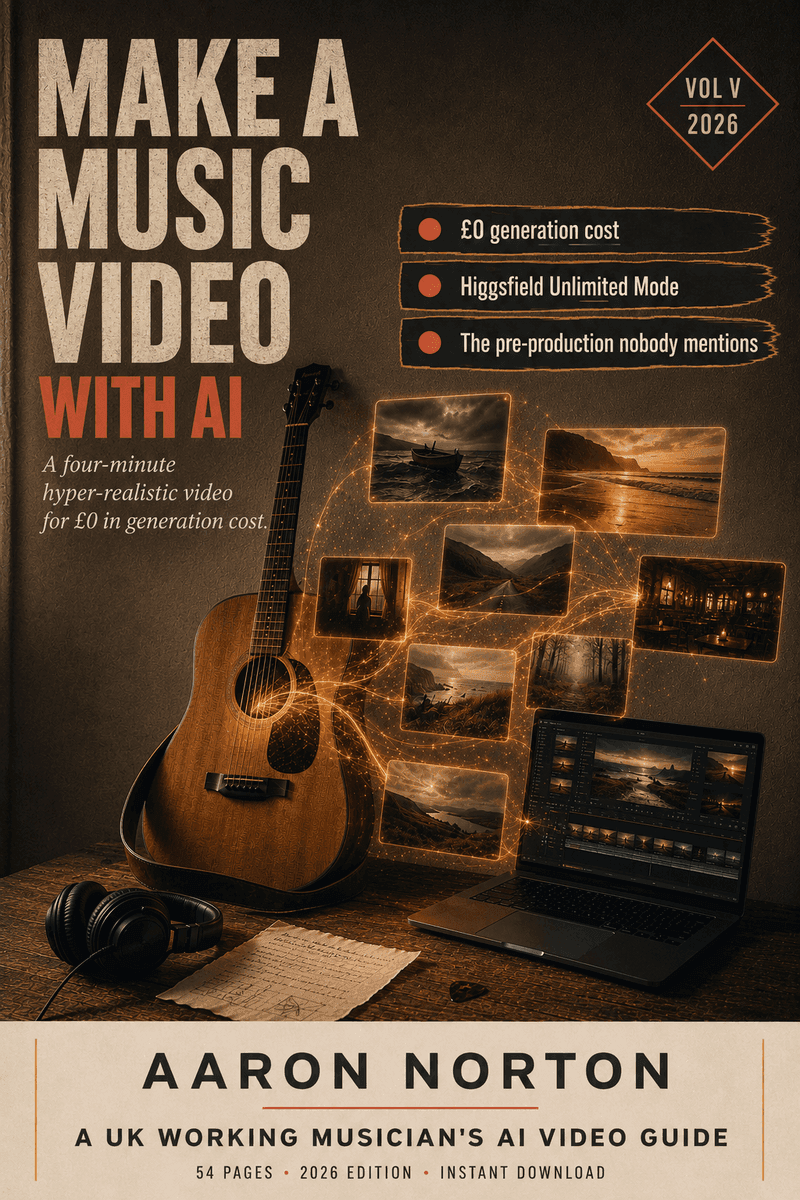

How to Make an AI Music Video — Without a Budget, and Without the Slop
I'm a full-time acoustic musician, and for years a music video was the thing I just couldn't justify. You've got a song you're proud of, you get the quotes — a few grand for a stripped-back one-day shoot, into five figures for anything ambitious — and the song goes out with a static cover image instead. So I made one with AI: a hyper-real, four-minute, narrative video called Love's Gone Sailing, for roughly £300 all-in instead of £3,000–£20,000.
Two honest things up front, because most "AI music video" content skips both. One: it's not free — it's proportionate. The point isn't zero cost; it's that a musician who can spend £300 can now ship something that used to need a film budget. Two: it's not effortless. Mine took about four weeks and ninety hours. The trade is time for money — and if you've got more time than money, like most working musicians, it's the better trade. This page is the honest version of how it works in 2026. The exact templates and the full system are in the £19.99 book; this gets you most of the way for free. (Tools and platform rules in this field move fast — everything dated below is a mid-2026 snapshot. Check the live pages before you rely on it.)
Can you monetise an AI music video on YouTube?
Yes — and the rule that scares people is actually the one that helps you. As of 2026 YouTube monetises AI-assisted video fine; what it demonetises (under its "unoriginal / inauthentic content" rules) is mass-produced slop — the channels pumping out faceless, auto-generated filler with no human input. A music video you've spent ninety hours directing, cutting to your own song, with your creative fingerprints on every beat, is the opposite of that. It's "value over volume," and you're firmly on the value side.
Two things keep you safe: add real human value (you are — it's your song, your story, your edit), and disclose the AI use via YouTube's "altered content" setting. Disclosure does not disqualify monetisation; hiding it is what gets you removed. The book has the platform-by-platform disclosure walkthrough. (YouTube updates these rules often — check the current policy before you upload.)
What about TikTok, Instagram and Spotify Canvas?
Same logic, different boxes. TikTok has an AI-content label you apply to realistic synthetic video — applying it doesn't cost you monetisation. Instagram/Meta has an "AI info" label; tick it. Spotify Canvas (the looping 8-second clip during playback) has no AI-specific disclosure at the time of writing but still bans misleading imagery. The pattern across all of them: realistic AI must be labelled, labelling doesn't disqualify you, and pretending is the only thing that actually bites. Disclosure is the cheapest brand insurance you'll ever buy — and in my experience fans react with curiosity, not disappointment, when you're upfront.
How much does an AI music video actually cost?
Here's the honest breakdown, because the tool-pricing pages and Fiverr listings don't give you a working musician's real numbers:
- Traditional UK shoot: £3,000–£20,000 for a real crew and an edit.
- The AI path I used: roughly £300 all-in for one song — a yearly subscription to the generation tool, an AI co-pilot you probably already pay for, a free video editor, and one month of an upscaler at the end.
The single biggest money lesson: drive the tools through the browser like a human, not through their API. The same generations that are included in a web-UI "unlimited" window get charged per clip when you reach them through an API or command line. I burned real money on that in week one before I understood it. The book has the full costed stack (and which tier actually matters) — but the headline is that it's a tenth of the cheapest traditional shoot. Not free. Proportionate.
How long does it take?
I'll be specific: Love's Gone Sailing was about four weeks and ninety hours end-to-end — concept and planning, character setup, the bulk generation, then the edit, colour grade and audio sync. If you're learning the whole workflow from scratch, budget six weeks and don't be discouraged. A single traditional shoot day would have given me a tenth of the coverage, in one location, in one weather window. The AI route gave me eight sections, three weather progressions, underwater sequences and a golden-hour finale — none affordable any other way.
The hardest problem: keeping your character consistent
This is the real skill, and the thing that separates a coherent video from a slideshow of strangers. AI video tools have no memory between clips — every generation is a blank slate, so "your singer" becomes a slightly different person, in slightly different clothes, on a slightly different boat, every single shot. Generic guides tell you to "use reference images." True, but not enough for a four-minute narrative.
What actually holds it together is a system of layers running at once: a locked wardrobe-and-setting bible you paste into every prompt; a trained character model so the face stays put across scenes; an anchor-frame workflow that carries the last shot's outfit, lighting and set into the next; a saved library for recurring props (a locket, a guitar) so they don't drift; and one consistent prompt structure so you're not introducing chaos yourself. Faces, wardrobe, set and props each drift in their own dimension — and each needs its own layer. The book is, more than anything, the manual for that consistency system, worked through on a real video.
Why your AI character keeps changing (and how to stop it)
If your character's face, hair or outfit changes shot to shot, you're almost certainly relying on the prompt text alone. Text can't hold a likeness across generations. The fixes, in order of impact: train a character model (a face model the generator reuses) so the face locks; anchor each new clip to the previous one's end-frame (re-frame that image to the new angle, then generate motion from it) so wardrobe and setting carry over; and keep clips short — a 5-second clip holds far better than a 15-second one. Regenerating the same prompt and hoping is the slow road; the anchor-frame method is the fix.
How do you make AI clips longer than 5 seconds?
Mostly, you don't — you work in the cut, not the clip. Most tools cap a clean generation at around five seconds, and that's fine, because a music video is built from short cuts anyway (roughly three seconds a shot). You generate lots of short clips and assemble them to the beat in your editor, rather than fighting for one long take that drifts in its back half. A four-minute video is something like eighty beats × a few coverage angles ≈ 240 short clips, cut down to the keepers. Plan in beats and angles, not minutes — the timing comes together in the edit.
How to make it look real, not like AI slop
"AI looks AI" is usually because the maker didn't fight the model's defaults. The tells, and the fixes:
- Skin goes waxy and plastic — so explicitly call for visible pores, real micro-texture and readable fabric, and tell the model no glossy sheen.
- Eyes are the giveaway — gaze and pupil colour drift; a trained character model locks them.
- Water is the hardest thing of all — specify real beading, spray and droplets-on-lens or it screams CGI.
- Hair and wardrobe drift unless your consistency layers are running.
With a trained face, the consistency system and prompts that actively fight the smoothing, you can hit a quality that survives full-screen YouTube on a laptop and sails through phone-screen Instagram and TikTok. You can't yet fool a cinema screen — and the book is honest about exactly where that line sits.
Best AI video generator for a music video?
Depends what you're making — and there's a fork most roundups blur. The one-click "AI music video generators" (the lyric-visualiser tools) are fine for a quick beat-synced loop or a Canvas, but they don't make a narrative, cinematic video — for that you direct it shot by shot. For the cinematic route, the honest working-musician read (mid-2026):
- For character consistency across a story — the tools with trained character models and prop libraries are the only ones that really hold a cast together. That's what I built on.
- For B-roll, abstract motion and lyric-video texture — the faster, cheaper motion generators are great and often have free tiers.
- For single hero shots — the top-end single-shot generators look stunning but cost more and won't hold your character across a whole video.
- For native audio + video — a couple of newer tools generate sound with the picture, handy for SFX moments.
No single "best" — there's the right tool for the shot. The book has the full platform-by-platform comparison and the exact stack I'd recommend a musician start with. (This is the fastest-moving part of the whole field — treat tool names as a mid-2026 snapshot and check what's current.)
How to actually make one: you're the director, AI is the crew
The mindset that makes everything work: a traditional video needs a director, DoP, lighting, wardrobe, continuity, an editor and a colourist — ten people. AI fills every one of those roles, but you have to direct it. Your AI co-pilot writes prompts and disclosure copy; the image tool is your photographer; the video tool is your camera operator; the upscaler is your finisher; you are the editor and the director. Give each one a clear brief — "Cooke S7/i lens, shallow depth of field, no waxy skin," not "make it cinematic" — and they execute.
The work runs in four pillars: pre-production (lock the song, the story beats and the bible — the biggest time-block, and skipping it is the most expensive mistake), asset generation (the stills and the character setup), video generation (the 240 short clips), and post (edit to the music, colour grade, sync the master, disclose, ship). Plan it properly and it flows; improvise per-shot and you'll burn weeks generating the wrong thing.
One video, six months of content
Here's the argument that makes the ninety hours pay back. A four-minute video isn't one asset — it's a release campaign in visual form. From Love's Gone Sailing I got the YouTube upload, a Spotify Canvas loop, around thirty social-ready clips for Reels and TikTok, lyric-video sections, and a dozen stills good enough for press shots. One project, a year of content. Spotify Canvas alone is criminally under-used by indie artists — under 10% of indie songs have one — and it lifts streaming retention. The video pays you back over months, not minutes. (The track itself is a separate craft — if you're making the music with AI too, that's the Suno book; if you're recording it properly, that's The Recording Manual.)