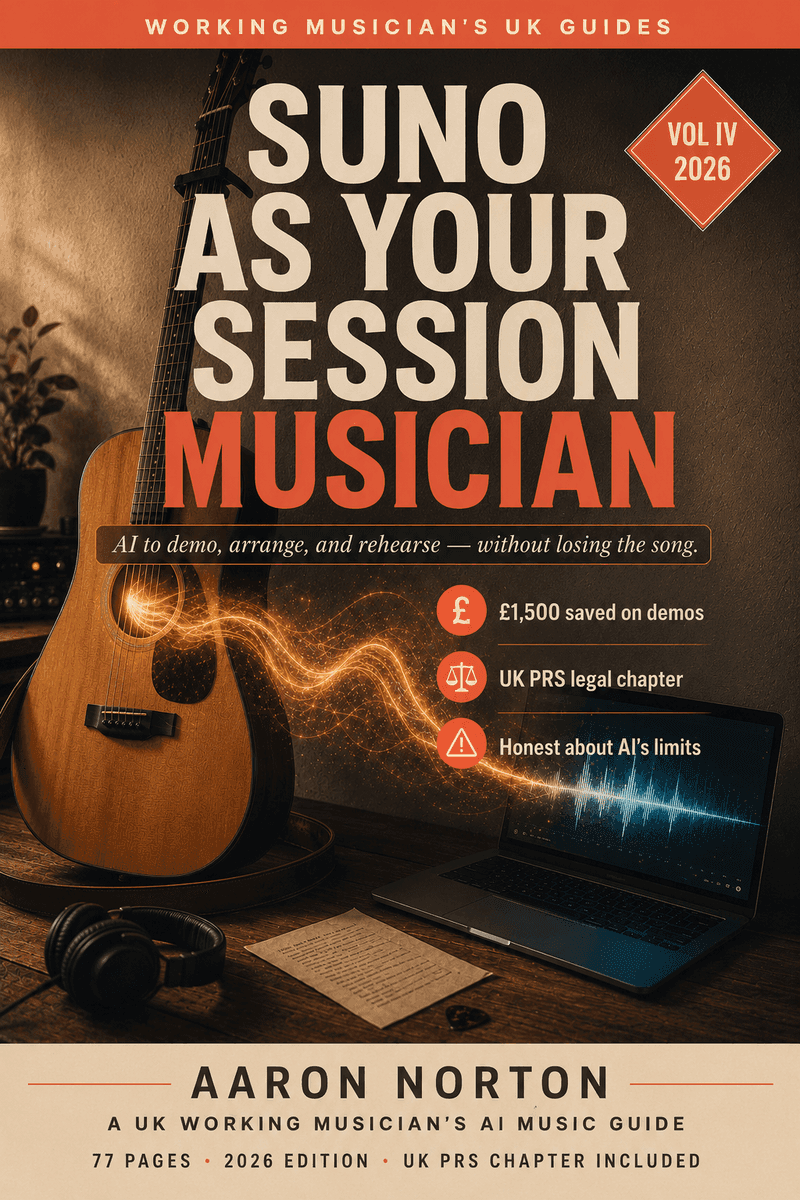

How to Use Suno Without Losing the Song — or the Royalty
I'm a full-time acoustic musician, and I held off on Suno for ages because every AI track I heard sounded the same: glossy, confident, soulless. Then I stopped treating it like a song machine and started treating it like a session musician I hire on a small monthly retainer — brief it, direct it, keep the song. That one reframe changed everything, and it's what this page (and the book under it) is really about.
But before the how, almost everyone has the same six questions — the ones you've already Googled. Can I actually sell this? Is it legal? Will I get my royalties? Will Spotify ban it? Is Suno about to be shut down? Most "how to use Suno" guides skip straight past them. I'm going to answer them first, honestly, from a working musician's chair — then show you how to use the thing properly. (Prices, plan names and the legal picture move fast — everything dated below is a mid-2026 snapshot; check the live terms before you build a release around them.)
Is Suno legal — and is it safe to use?
Yes. Using Suno is legal: generating tracks, paying for a subscription, using the outputs in your own workflow — all fine. The lawsuits you've read about are US record labels suing Suno over its training data — they're about how the model was built, not about you committing any offence by subscribing and downloading a track. It's a normal, safe app to use.
What's complicated isn't using Suno — it's what you're allowed to do with the output commercially. That sits inside copyright law, your distributor's terms, and (if you're a member) your collecting society's rules. That's what the next few questions are really about, and it's the heart of the book.
Can you sell music you make with Suno?
On a paid plan, yes. Suno grants paid subscribers (Pro or Premier) a commercial-use licence for the tracks you make while subscribed — you can put them on Spotify, monetise them on YouTube, use them in syncs, and Suno doesn't take a cut. The free tier is personal, non-commercial only — don't sell free-tier tracks or put them on streaming. That's the line people get burned on.
The catch most guides won't tell you: a commercial licence is not the same as copyright ownership. Suno gives you whatever rights it has, but it makes no promise that any copyright actually vests in a track — and that matters the moment someone rips it off. You can sell it; you may not be able to stop someone copying it. For demos, backing tracks, sync and EPK use, that's fine. For a release you're banking on long-term, you need to understand the difference — which is exactly what the book walks through.
Can you copyright AI music — and are Suno songs royalty-free?
This trips everyone up, so here's the honest version. A track that's 100% AI-generated generally can't be registered for copyright in the US, UK and most places — copyright protects human authorship, and a prompt isn't enough. That is not the same as "royalty-free" or "free to use" — it means nobody, including you, can easily claim and enforce ownership of a fully-AI track.
The fix is the same thing that makes the music better: put yourself into it. Write your own lyrics and you own those lyrics. Re-sing the lead in your own voice, play a real part, do your own mix — and now there's meaningful human authorship in the work, which is what turns an un-protectable AI output into something you can register as AI-assisted and actually defend. The book has the full breakdown of what counts, what doesn't, and the paper trail to keep.
Will PRS (or ASCAP / BMI) actually pay you on it?
This is the single most important question in the whole book, and almost no other Suno content answers it honestly. In the UK, PRS for Music will not register a fully-AI-generated work — as of its current policy it's "not considered sufficiently original" to qualify, so if your fully-AI track gets played on radio, you won't collect on it. (Outside the UK, swap in your society — ASCAP, BMI or SESAC in the US, SACEM, GEMA, APRA AMCOS, SOCAN — the shape of the answer is the same.)
AI-assisted works can be registered — where you wrote real human input (melody, lyrics, arrangement) and flag the assisted part in the metadata. And there are genuine penalties for members who knowingly register a fully-AI track as if it were human-made — this isn't theoretical. The honest path is: register what you wrote, flag what was assisted, don't register what Suno made. The book is the only Suno guide I know of that lays this out properly.
Can you put Suno music on Spotify?
Yes — Spotify allows AI music, but it must be disclosed, and your distributor (DistroKid, TuneCore, CD Baby, EmuBands) is the layer that actually files that disclosure. The real risk isn't "Spotify bans Suno" — it's a quiet takedown of a specific track that resembles a copyrighted song or a living artist (the "sounds-like" problem). Spotify has pulled tens of millions of tracks it classed as spammy or imitative. Disclose your AI use, don't try to clone a famous voice, and you're fine. The book covers the disclosure workflow distributor by distributor.
Is Suno getting shut down? The lawsuit status, plainly
Almost certainly not — but the picture is genuinely live, so here's the mid-2026 snapshot. Warner Music settled with Suno (late 2025); Universal settled with Udio, Suno's main rival, and the whole industry is clearly drifting toward licensing rather than shutting these tools down. Suno looks more like infrastructure the labels will sell into than something they'll destroy. The real wild card is the Sony v. Suno hearing in mid-2026 and an active independent-artist class action. The realistic worst case isn't "your music vanishes" — it's "you have to migrate to another generator," which is exactly why the book keeps your workflow portable and covers the alternatives. (This section dates fast — treat it as a snapshot and check the latest before you quote it.)
Suno vs Udio (and the rest): which AI music generator?
The honest, working-musician read rather than an affiliate chart. Suno is the stronger all-rounder for songs — vocals especially, which is why singer-songwriter, pop and R&B people tend to land on it — and its in-browser studio and stem export make it the better fit if you're taking parts into a DAW. Udio often has the edge on instrumental character and fine control. Stable Audio and ElevenLabs Music are worth knowing as alternatives, partly so you're never locked into one platform if pricing or terms shift. There's no universal "best AI music generator" — there's the best one for the job in front of you, and the book has the full comparison (and where each one fits a gigging musician's workflow). Don't get locked into one platform's prompt syntax.
What does a Suno setup actually cost?
This isn't a "free music" book, so here's the real money. A minimum credible stack for commercial demos and backing tracks — Suno on a paid plan, an AI co-pilot for prompt-writing, a stem splitter, a free mastering pass — comes to roughly £300 a year. A fuller "working-pro" stack with the AI-native DAW and per-track mastering runs higher. Set against the traditional alternative — a single studio day is £300–£800, one session player for one song is £150–£400, a four-song demo cycle is £1,500–£3,000 — the recurring cost of the tools is less than hiring a real player for one track. That's the working-musician case in a sentence. The book has the exact two-stack breakdown so you buy the right tier once. (Prices churn — check the live pricing pages on the day.)
Suno is a session musician, not a song machine
Here's the mindset the whole thing turns on. A session musician is competent, fast, and available at 2am — but they don't write your song, they play what you brief. Treat Suno as a magic song generator and you produce slop. Treat it as a player you're briefing, directing, and producing, and you get demos as good as the brief you wrote.
The way I actually work it: I record the backing track myself first — guitar, a rough bass, programmed drums, a guide vocal — then hand that to Suno to lift the production, and bring the best parts back into my DAW with my real voice and real guitar on top. The song is mine; Suno is the last step, not the first. That's the difference between "I generated a track" and "I made a record."
The bracket-tags method: how to actually direct it
The single biggest beginner mistake is talking to Suno like ChatGPT. It isn't a chatbot — it follows style patterns, not instructions. In Custom Mode you supply your own lyrics and mark the structure with bracket tags — and that's what separates a flat block of audio from a real arrangement:
- Structure tags —
[Intro],[Verse],[Pre-Chorus],[Chorus],[Bridge],[Outro]. - Direction inside the brackets —
[soft brushed drums enter],[drop to vocal and acoustic only],[full band, light strings underneath]. - A separate style descriptor for the overall production — genre, tempo, key, instrumentation, and crucially what to avoid.
Tags are you handing the band a chart. They're the cheapest, biggest upgrade you can make to your output — and most guides stop here. The book goes further: the briefing templates that get a usable take first time, the 80/20 rule (spend your time in the prompt box, not the regenerate queue), and a 30-prompt genre library to start from. (Want the quick version free? My 20-Minute Suno Fix is the fast fix for tracks that sound flat.)
Backing tracks for solo gigs
This is the use case nobody else writes, and it's pure working-musician. Suno can build you backing tracks for a solo set — covers and, increasingly, your own songs — and split them into stems so you can run an instrumental bed under your live vocal and guitar, feed a click, or hand each band member their own part to learn before rehearsal. There are real decisions here (disclosure to the audience, what to play live vs. play back, the in-ear setup) and the book has the full live workflow. It's the difference between a thin one-man-band sound and a set that fills the room.
Getting clean stems — and making it sound like you
If your Suno track sounds almost there but unmistakably "AI," the fix isn't a better prompt — it's putting a human back on top. Pull the stems into any DAW (Suno's exports drop straight into Logic, Ableton, Reaper, whatever you use) and then:
- Re-sing the lead in your own voice — the single biggest thing that kills the "AI" sound.
- Replace a part — mute Suno's guitar, play the real one. Now the front of the track is genuinely you.
- Mix it yourself instead of releasing the flat, loud AI bounce.
If the stems themselves come out weak or smeared, that's usually a sign to re-record that element rather than fight it. The book has the full hybrid workflow — which parts to keep, which to replace, and how to make the seams disappear. (The deep recording craft — mic technique, the vocal chain, mastering for streaming — is its own book: The Recording Manual pairs with this one for the source recordings.)
Can you make covers with Suno?
Carefully, and with eyes open. You can use Suno to build an arrangement for a cover, but two legal lines matter: a cover still needs the songwriter's mechanical licence like any cover does, and you must not try to clone a famous artist's voice or recreate a copyrighted recording closely — that's the "sounds-like" takedown risk, and Suno's guardrails are easier to trip than it claims. Done honestly, a regenerated backing track for a cover you're licensed to perform is a legitimate tool. Done as "make me a track that sounds exactly like [famous artist]," it'll catch up with you. The book has the full rundown of what's safe and what isn't.