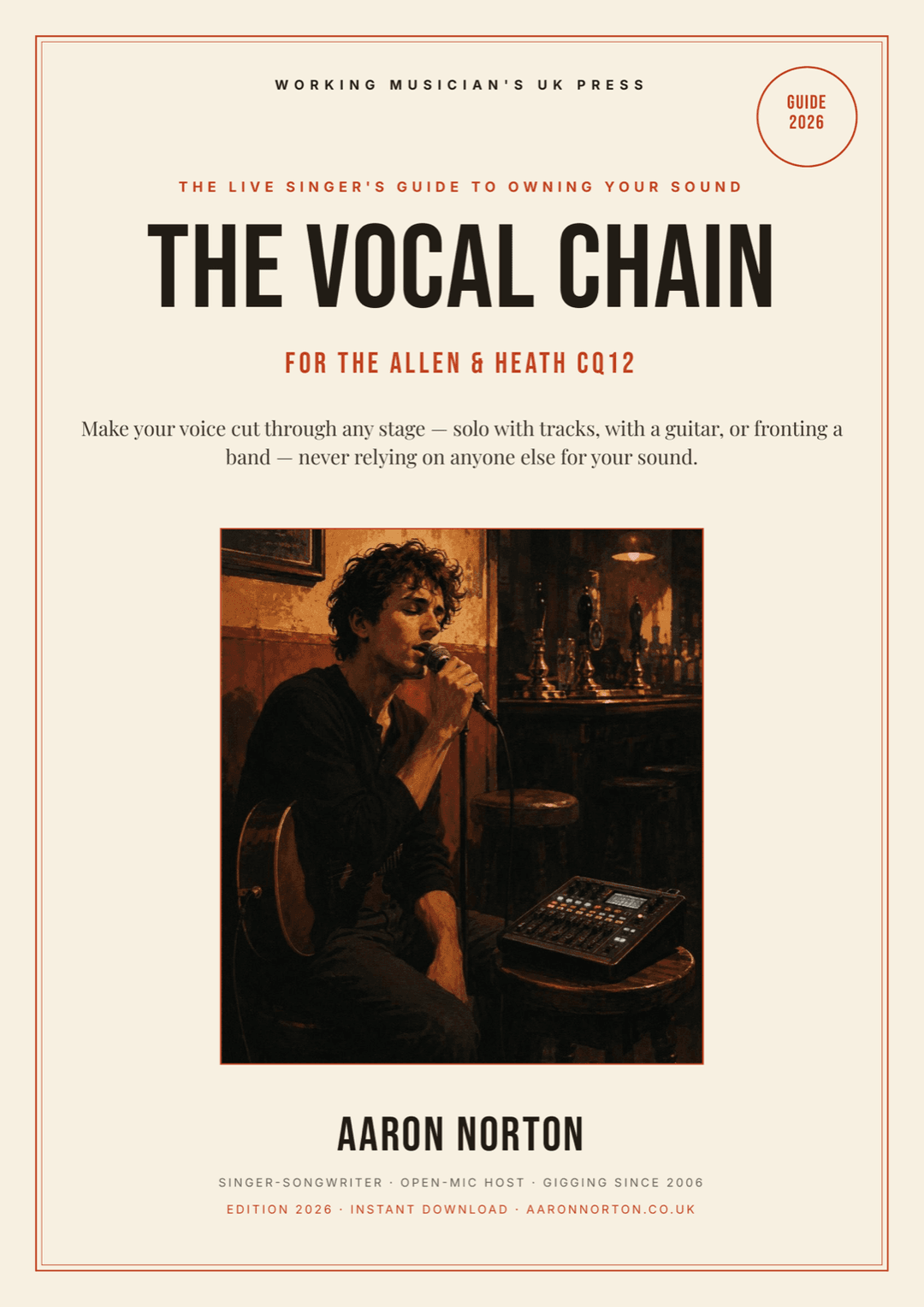

CQ12 Vocal Settings — Clear, Feedback-Free Live Sound for Solo & Small Acts
I'm a full-time acoustic musician, and at most of my gigs there's nobody out front mixing me — it's me, a guitar, a vocal mic and an Allen & Heath CQ12T on a little table to my side. So I've spent a lot of hours beating the same three problems we all get: the vocal that feeds back the second I lean in, the vocal that sounds thin or muddy in a room full of chatter, and the vocal that disappears the moment the pub gets busy.
This is the honest, plain-English version of how I fix all three on the CQ12T — the order I touch the desk and what each control is actually doing. If you want my exact start-here numbers — gain, every EQ band by voice type, compressor, and my full Feedback Assistant routine, laid out as a settings sheet you copy at soundcheck — that's the book at the bottom. This page gets you 80% of the way there for free.
Start with gain, not EQ (the CQ12 Gain Assistant)
Almost every "feeds back" and "sounds thin" problem starts here, with the gain set wrong — not with your EQ. Gain is how hard your voice hits the desk at the very front, before anything else touches it. Too low and you wind the fader (and everything downstream) up chasing volume — and that's what drags up hiss, room noise and feedback. Too high and you're clipping before the EQ even sees it.
The CQ12T has a Gain Assistant — tap Auto-Set and sing your loudest for a few seconds and it sets a sensible gain in one go. Then do the one thing everyone misses: switch Auto-Gain OFF. The desk usually leaves it on, and it'll keep nudging your gain all night when all you wanted was the single measurement. Set once, left alone, predictable all night. (The right gain number barely matters — a dynamic like an SM58 might land in the 40s, a hot condenser in the 20s–30s — what matters is the input meter peaking healthily on your loudest note with the clip light staying off.)
EQ for live vocals: clear and tight, by the numbers
Here's the honest problem with EQ in a live room: you can't really hear what you're shaping — the PA, the walls and the bodies are colouring the sound before it reaches your ears. So you don't EQ by feel out there. You dial in a proven template by the numbers and trust it. The moves a good engineer makes on almost any live vocal:
- Clear the junk first with a high-pass around 100 Hz — there's no voice down there, just rumble, mic thumps and the boom you get singing close.
- Cut the mud. A gentle dip around 300 Hz kills the "boxy, singing-in-a-tub" thickness that builds up when you're close to the mic. This is the move nearly every live vocal wants — and it does more for a muddy vocal than any high boost.
- Cut the honk around 800 Hz only if the voice sounds nasal or telephone-y.
- Boost presence gently around 3–4 kHz — this is what makes the words punch through a loud room. Keep it broad and back it off the moment it sounds harsh or starts to ring.
- Add a little air with a gentle high shelf up top.
- Tame sibilance with a narrow cut around 6–8 kHz only if your "ess" and "sh" sounds spit.
The principle that separates a clean live vocal from a fizzy one: cut more than you boost. Every dB you add — especially up at 3–4 kHz — is a dB closer to feedback. So make the cuts confidently, keep the boosts gentle. (The book has my exact band-by-band moves, widths, and the differences for male vs female voices — but the order above is the whole game.)
Compression on live vocals: even, not squashed
In a noisy room your quiet words vanish and your loud ones blare. Compression evens that out so your whole vocal sits at one steady, audible level — this is what stops you disappearing when it gets busy. On the CQ12, the settings that work for a live vocal: RMS detection (not Peak), a soft knee, a gentle ratio around 3:1, and — the bit that matters most — only about 3–6 dB of gain reduction on your loudest notes. Watch the gain-reduction meter, not the threshold number. Attack around 15 ms so your consonants still punch through; release around 150 ms so it recovers between phrases without pumping. Then add makeup gain to match the level back.
Push it harder than that and the vocal goes lifeless and pumpy — the classic over-compressed sound. You want it doing quiet, invisible work. If people can hear the compression, you've gone too far. (Exact start-here numbers are in the book.)
Does the CQ12 stop feedback? The Feedback Assistant, plainly
Short answer: yes — the CQ12T has a built-in Feedback Assistant (FBA), and it's genuinely good. It's 16 notch filters that sit on the output (where you beat feedback — never on the input channel), and it works in two ways you should understand:
- Fixed — notches you set at soundcheck by "ringing the room out": you slowly push the level up until the room just starts to ring, and the FBA drops a sharp notch on each offending frequency by itself. Catch the worst handful, bring the level back down, and they're locked in. Fixed catches the room.
- Live — notches left armed during the show that react in real time when a ring flares up (you tip the mic the wrong way, the room fills with bodies), then recover once it's passed. Live catches the moment.
You use both: ring out a few Fixed at soundcheck, leave Live armed for the night. One honest catch the manual is quiet about — set the Live Recovery too fast and it gets twitchy and starts chasing your actual music (a held note or a droning chord can look like feedback to any automatic system), so I keep it on the calm side. And the bigger truth: the FBA buys you headroom — it doesn't beat bad mic technique. Get on the mic, keep the monitor low and behind you, point the speakers in front of the mic — do that and let the Fixed-plus-Live routine do the rest. (My full ring-out routine, step by step, is in the book — and it saves with the Scene, so the second time you play a venue the feedback's already notched out.)
Why does my mic squeal — and how to stop it
That squeal or screech is feedback: a loop — speaker pushes your voice into the room, mic hears the speaker, desk sends it back out, round and round until it howls. You beat it with position first, electronics second:
- Keep the mic behind or to the side of your speakers, never in front of them.
- Get on the mic — lips close. The closer you are, the more level you get for less gain, and less gain is less feedback.
- Keep your monitor low and behind the mic — a wedge full of your own loud vocal pointed back at the mic is the single biggest feedback trap there is.
- Then let the CQ12's Feedback Assistant notch out what's left.
Do those first three and you've solved most of it before the desk even helps.
Mixing yourself from the stage (the one-person-FOH bit)
Here's the angle no gear blog covers, and it's the whole reason I wrote the book. Every "live vocal" article assumes there's an engineer out front riding your fader. When you're a solo act, that's you — and you're standing in the worst spot to judge your own sound: right behind the speakers with a monitor in your face. So you set the CQ12 up to hold your sound without babysitting: gain set once, a locked Fixed ring-out, sensible compression — so you can play a guitar solo instead of poking a touchscreen. Keep your monitor mix vocal-light (you already hear your voice acoustically a foot from your ears), and EQ the room from a phone or tablet over the CQ's Wi-Fi by walking out to where the audience actually stands. Five minutes of that beats an hour guessing from behind the desk.
Best mixer for a solo act? An honest word
If you're reading this before you've bought a mixer — the usual "best mixer for small gigs" advice points you at little analogue boxes (a Yamaha MG, a Bose T4S). They're fine, and for a long time they were the only option. But for a solo or duo act, the thing that actually changes your gigs is a small digital mixer with two features those analogue boxes don't have: a Gain Assistant that sets your levels for you, and a proper Feedback Assistant that beats the one problem that ruins solo gigs. That's exactly what the CQ12T is — and it's why I run one and wrote a whole book on getting pro sound out of it. (If you're deciding between the CQ12T and the bigger CQ18T: same brain, more inputs — the 12 is plenty for a solo or duo act.)
Got the mixer already? Then skip the comparison — the book is how you get a clear, feedback-free, professional vocal out of it tonight. (And if you want to record on the CQ12 too — multitrack into your laptop, then mix and master — that's a different craft, covered in The Recording Manual.)
How to get professional sound in a pub, solo
That's the whole thing, really: a clean front-of-house vocal that holds up in a loud room, set once so it runs itself, with feedback handled before it starts. Gain at the front, a by-the-numbers EQ, gentle compression, a Fixed-plus-Live feedback ring-out, and a vocal-light monitor — that's professional pub sound for one person, and it's all the CQ12 needs. (The same chain-thinking helps other sources too — I've a separate live-guitar mixing guide on the way — but this one's about the voice.)